November 4, 2026●3 min read
Rob Run Car ESP Hack: Reading Getaways and Chases
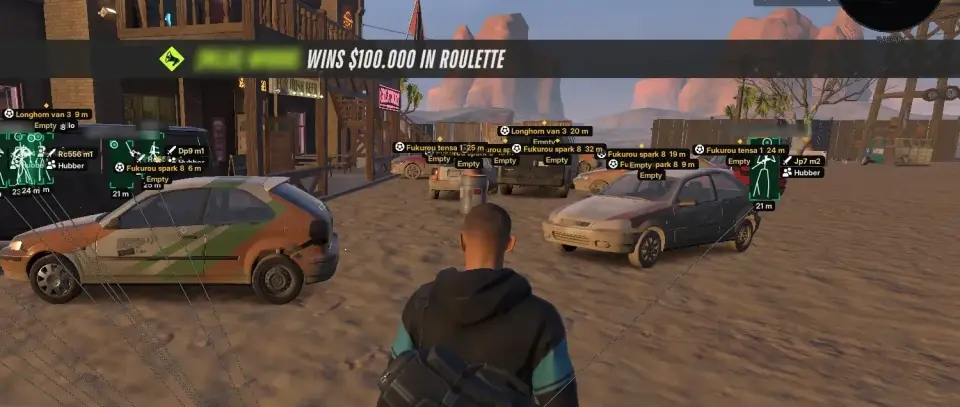
Driver name, occupant role, speed, engine status and owner tag. What the Rob Run car ESP hack shows and which details matter when fleeing or chasing.
Read Article
When the radar beats full ESP, what each radar setting changes, and a clean-screen layout that keeps the middle of your view clear until you need detail.
Elysium RR gives you two ways to see the same town. Full ESP draws boxes, labels and markers directly in the 3D world. The radar shrinks the same information onto a small map in a corner of the screen. Both are part of our rob run hacks, and the question players keep asking is which one to use. The honest answer is usually both, at different times, and with the radar doing more of the work than people expect.
Full ESP is precise: where someone stands, which way they face, what they hold, how much health they have. The cost is screen space, and in a busy street the labels pile up.
The radar is the opposite. It tells you less about each player, but it shows everything around you at once, including what is behind you and to the sides, which the ESP cannot show because it can only draw what falls on your screen. It also stays in one corner, so the middle of the screen stays clear.
A simple way to think about it:
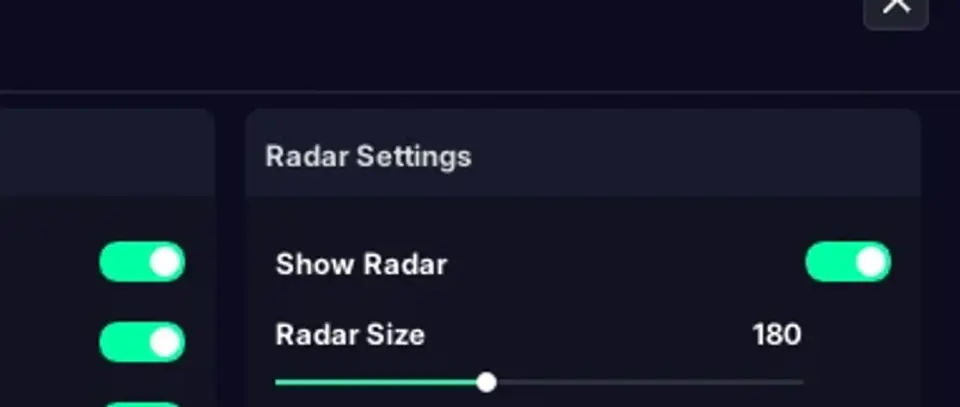
Show Radar turns it on. From there, these options shape what you get:
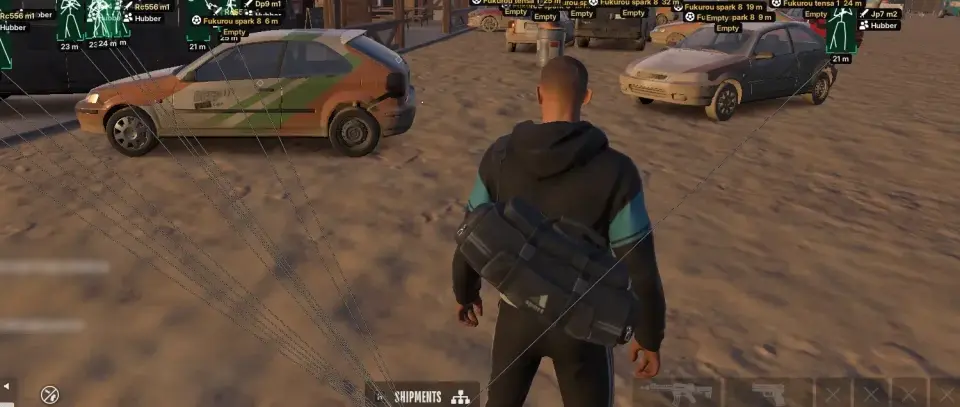
If you like a tidy screen, try running the radar as your main source of information and the ESP as a light layer.
The middle of your screen stays almost clean. When the radar shows someone closing in, press the hotkey, decide, and switch back.
In a close fight inside a building, the radar shows dots almost on top of you, and that is when the full player ESP with skeleton and health bars earns its space. Fixed places like safes, buyers and key doors are not on the radar at all; they come from the World tab markers. A tidy combination for rob run hacks is the radar for moving things and a few markers for fixed places.
Rob Run uses Easy Anti-Cheat, and the radar is no exception to the general rule: any rob run hack carries a ban risk. Save your radar layout in a config once it suits you, because getting size, range and opacity right takes a few tries.
Ready to Play?
ESP, aimbot, car ESP, world markers and radar. From $14.99 for 7 days.